If you have not chosen a download method yet, start with the Shopify product image export comparison. Then use the checks above to turn that download into a backup you can actually rely on. A backup is useful on the day an image disappears, not just on the day a ZIP downloads successfully. For product photography, that means keeping the files, knowing which products they belong to, and checking that you can open them.
A product-image archive is one part of a store backup. It does not preserve orders, customers, themes, navigation, or a complete set of product settings, and PlainKits does not provide a one-click restore.
Keep files and product records together
Save two separate things: the actual image files and a product data export made around the same time. A CSV of image links alone still depends on those links remaining accessible.
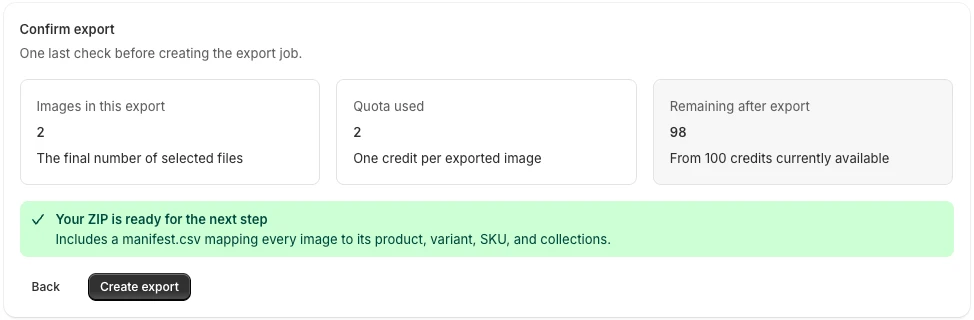
The image archive should have a mapping from each local file back to its product. PlainKits includes manifest.csv with product and media IDs, available variant details, source URLs, exported filenames, and download status. It is a useful index, not a complete Shopify product record.
Make a dated snapshot
- Open Image Export and use the catalog-wide product selection.
- Clear filters that would exclude older, draft, archived, or out-of-stock products you want to preserve.
- Include the full galleries rather than only main images.
- Choose the Store backup preset for product folders and names based on source filenames with unique suffixes.
- Create the export and download the ZIP.
- Save a contemporaneous product CSV separately, with a note describing the scope and date.
The app's “Store backup” preset is a naming and folder preset. It does not turn the export into a full-store backup or schedule recurring snapshots.
For detailed selection checks, use how to download all product images.
Verify before relying on the copy
Extract the archive into a test folder. Open a few older photos, several recent ones, and files from products with multiple variants. Inspect the manifest for failed downloads and make another pass for missing assets.
Then try a simple recovery exercise: pick one product and locate all of its exported photos using only the archive and manifest. If that takes guesswork, fix the naming or add notes now.
Also preserve any information the image manifest does not contain but your recovery plan needs. For example, keep image alt text in a suitable product-data export; the current PlainKits manifest does not include an alt-text column.
Store your own copy and repeat deliberately
Download the archive before its retention period expires. PlainKits keeps Free archives for 7 days and Premium archives for 6 months; app retention should not be your only copy.
Keep a second copy in storage you control, separate from the device holding the first. Use dated folders instead of overwriting the previous snapshot. Repeat after a major photography update and before deleting products or making a large catalog change.
If you are leaving Shopify, the next step is different from simply keeping a backup. Read the migration image guide to plan destination URLs, product associations, and a trial import before changing the source store.